I Stopped Repeating Myself. NotebookLM Did It For Me.
How to Use NotebookLM to Reteach Directions for Absent Students
You know the moment. You've just finished explaining a big project to your class — and in the back of your mind, you're already doing the math. How many kids are gone? How many times am I doing this again?
Last week, I had a bunch of eighth graders out during our end-of-year portfolio prep. I gave the directions. We got started. And even as I was talking, I was mentally scheduling the repeat performance.
Then I tried something instead.
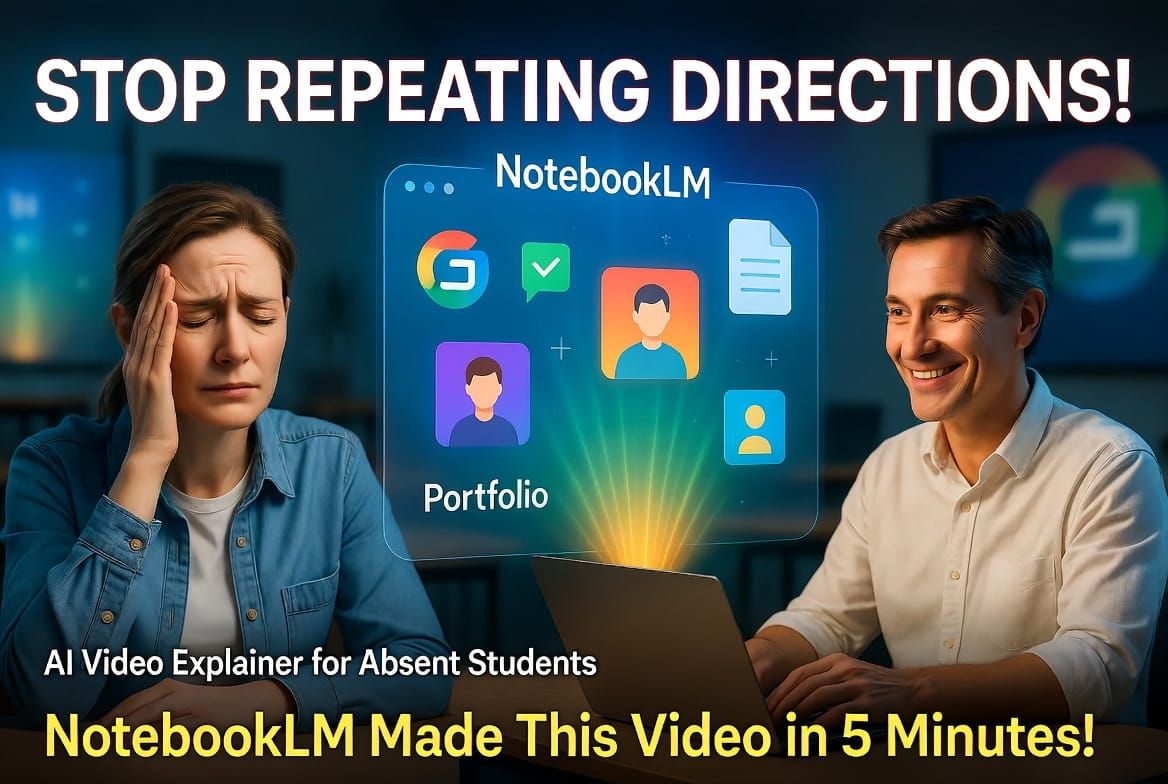
I uploaded my directions to NotebookLM — took maybe five minutes — and let it generate a video explainer. It analyzed all the documents, summarized the key points, and produced a short walkthrough that hit everything I'd covered in class. I ate my lunch while it was working. That part felt significant.
Was it perfect? No. But it was genuinely good — accurate, clear, and way better than another round of me at the front of the room. I downloaded it, dropped it in Google Classroom, and moved on with my day.
If you don't know NotebookLM yet: it's a free Google tool that lets you upload documents, PDFs, or Drive files, and then interact with them — ask questions, generate summaries, create audio or video overviews. It syncs directly with Google Drive, which made this whole thing almost frictionless.
Here's the basic flow:
- Log into NotebookLM with your school Google account
- Upload the relevant documents (assignments, rubrics, directions — whatever you gave in class)
- Click "Video Overview" and let it run
- Download the file and post it in Google Classroom
Five minutes. Done. Gone students get the reteach. You get your lunch.
This is the kind of thing that doesn't solve every problem — but it quietly removes one of the low-grade frustrations that chip away at your energy over a school year. Repeating yourself to absent kids, over and over, is one of those friction points that doesn't make it into any conversation about teacher burnout. But it's real. It adds up.
Tools like this don't replace teaching. They give you back a little bit of yourself at the end of the day.
If this is useful — share it with someone. And if you've got a tech tip that makes your day easier, drop it in the comments. That's exactly the kind of thing we talk about over at Why Edify: how to be excellent without being exhausted.
Strong Teacher Pep Talk Playlist